Open the editor
-
Switch to the Editor contents panel (if it is hidden, select View > Project Explorer from the main menu of TestComplete).
-
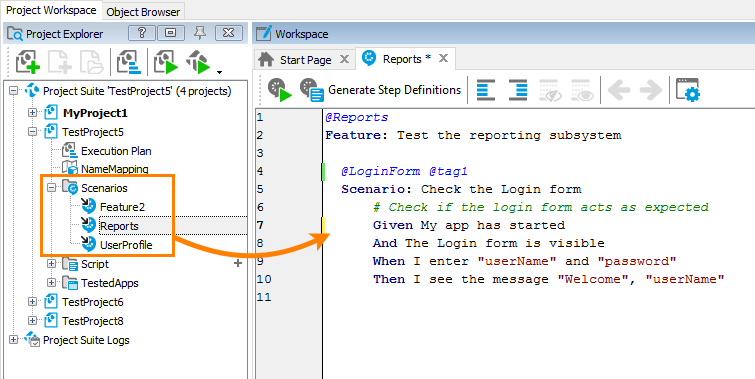
Double-click any child node (feature node) of the Scenarios project item. TestComplete will open the editor in the Generate script code panel:
Watch the following video:
New paragraph