Other editing features
The features the Gherkin editor offers are similar to the features of the Generate script code. The Gherkin editor supports:
-
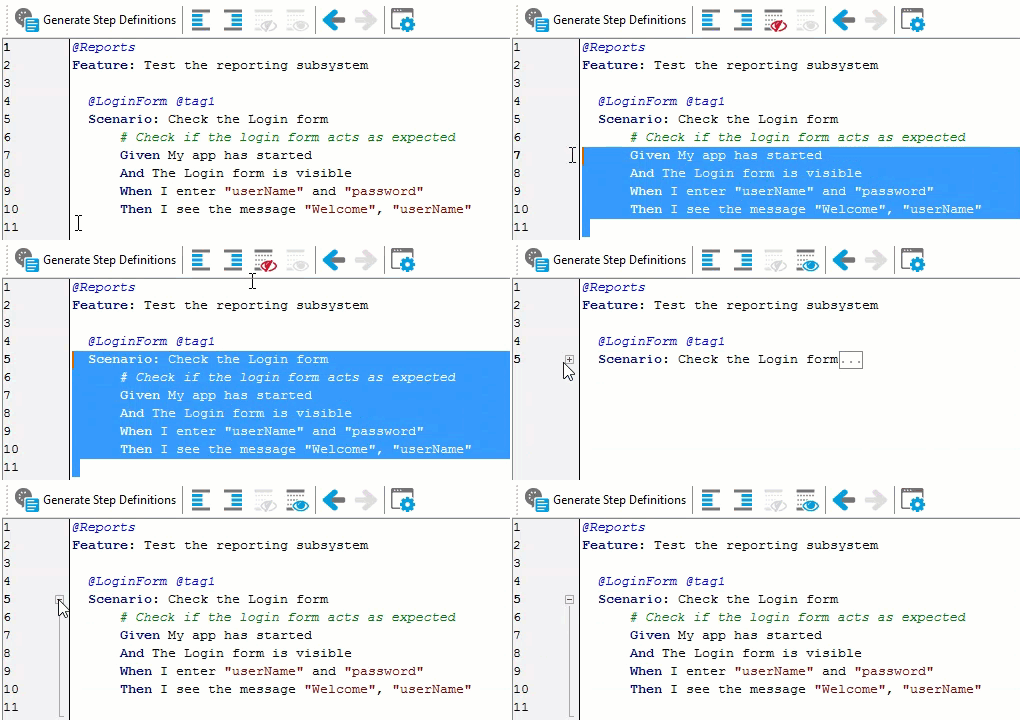
Navigation to script code. You can collapse and expand text blocks.
See how it works
-
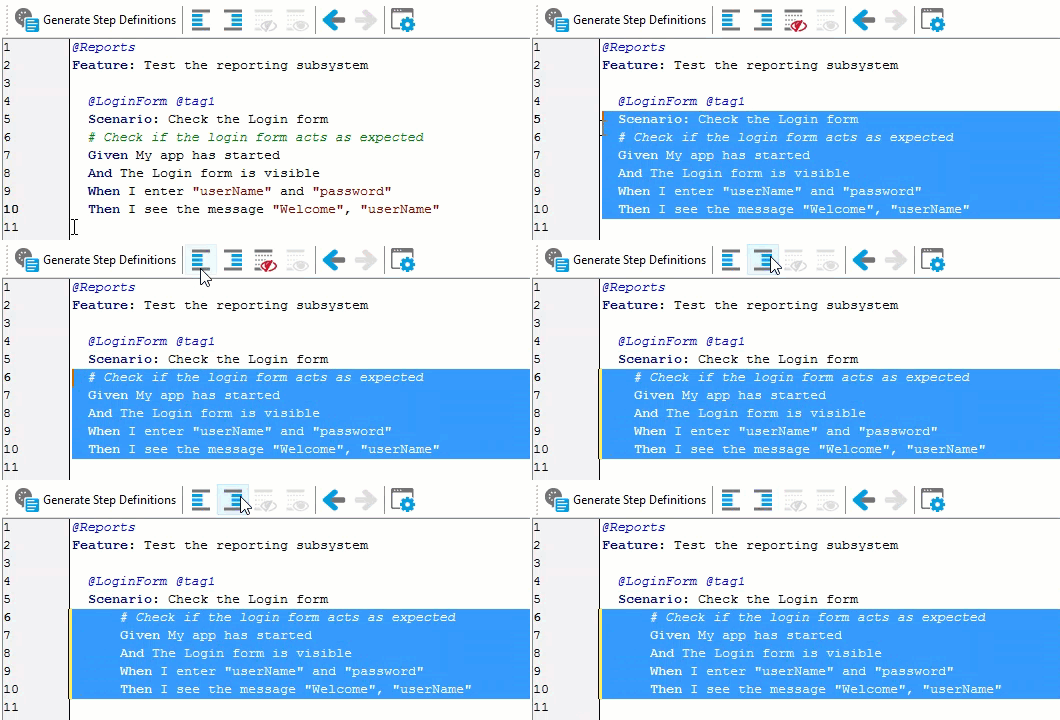
Quick indentation. This is helpful when you need to align test steps quickly.
See how it works
-
Smart formatting. Whenever you type a quote, opening bracket or brace, the editor automatically enters another quote, closing bracket or brace.
The Gherkin editor also supports some other features of the Script editor like group undo, automatic indents, and some other.
The Further reading settings of the Script editor control the behavior of the Gherkin editor. To view or change these settings, select Tools > Options from the main menu and go to Panels > Code Editor
> Editing in the subsequent dialog, or click  Panel Options on the Gherkin editor’s toolbar.